
Upicta AI Renamer
Upicta AI Renamer instantly transforms messy Figma files by using context-aware AI to assign semantic, professional names to your layers. Eliminate the hassle of manual organization and ensure your design handoffs are clean and efficient with just one click.
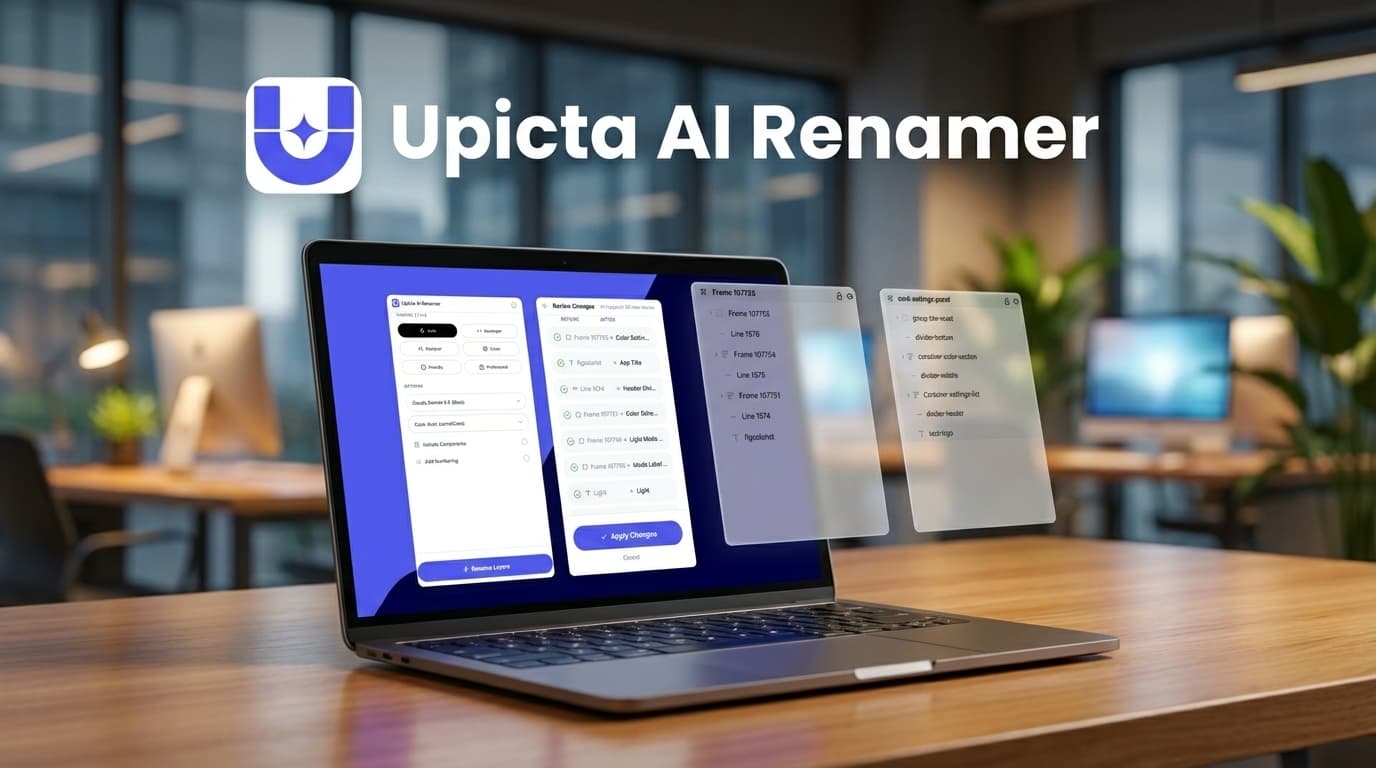
About Upicta AI Renamer
Transform Your Figma Workflow with Upicta AI Renamer
Every UI/UX designer knows the specific dread of opening a project file only to be greeted by an endless, chaotic list of generic names like "Frame 204," "Vector 3," and "Rectangle 89." Not only does this visual clutter disrupt your creative flow, but it also makes collaboration and developer handoff a nightmare. Enter Upicta AI Renamer, the essential Figma plugin designed to automate the tedious task of layer organization through the power of artificial intelligence.
The End of "Layer 1"
Upicta AI Renamer is not just a simple find-and-replace tool; it is a sophisticated utility that leverages advanced computer vision and semantic analysis. The AI "looks" at your selected elements to understand their context. Whether it is a navigation bar, a submit button, or a profile avatar, Upicta accurately identifies the component and renames it accordingly. This context-aware approach ensures that your layer panel reflects the actual structure of your design, rather than the order in which you drew rectangles.
Key Features and Benefits
- Context-Aware Intelligence: The tool distinguishes between visual elements, ensuring a button is named "Primary Button" and not just "Group 1."
- Bulk Processing: Save hours of manual labor by cleaning up entire pages or massive selections in a single click.
- Professional Handoffs: Developers appreciate semantic naming conventions. Upicta ensures your files are code-ready, reducing friction during the implementation phase.
- Tidy Workspaces: Maintain a professional standard in your design files, making it easier for team members to navigate and iterate on your work.
Why You Need Upicta
In the fast-paced world of digital product design, time is your most valuable asset. Spending hours renaming layers is an inefficient use of that asset. Upicta AI Renamer empowers designers to focus on creativity and user experience while the AI handles the housekeeping. It is the perfect solution for maintaining robust design systems and ensuring your portfolio pieces look as professional under the hood as they do on the canvas.
Tags
Similar Tools
View all items →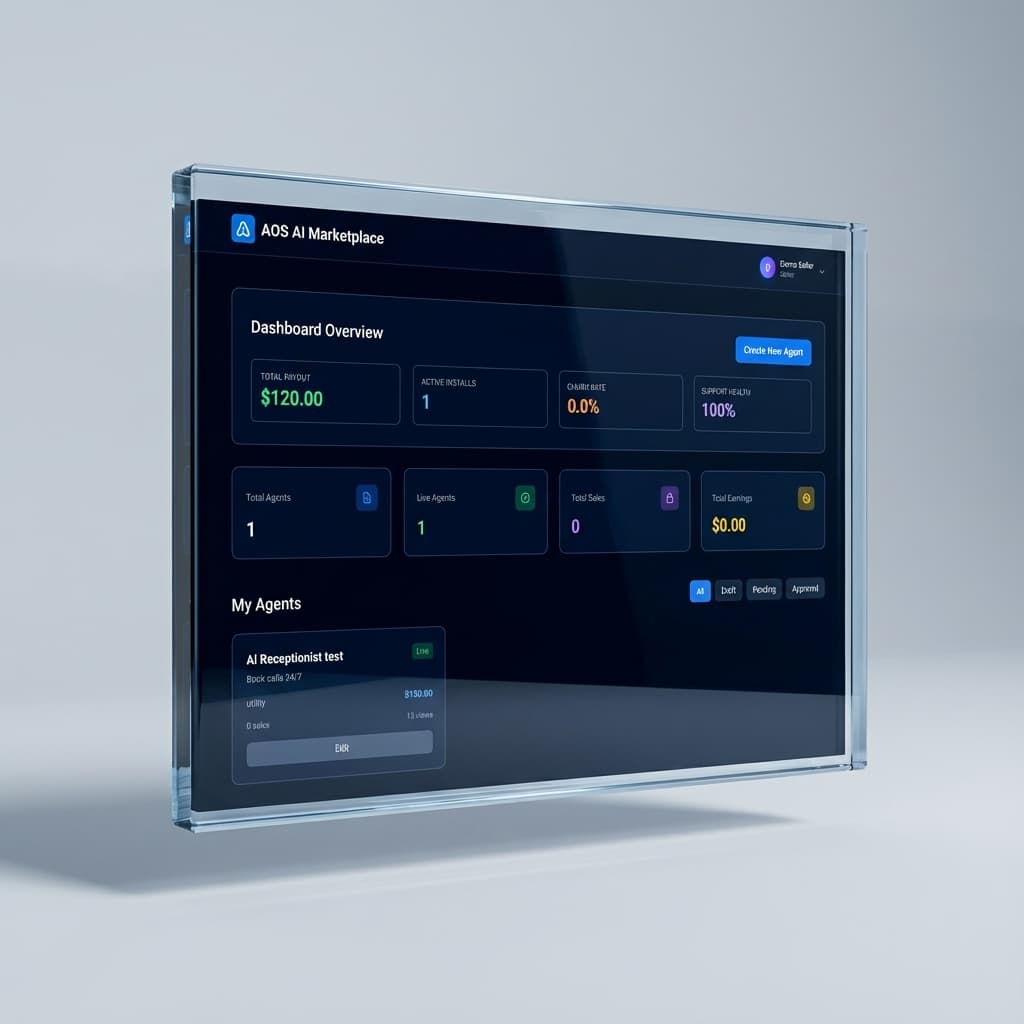

AOS Ai Marketplace
AOS Ai Marketplace offers a curated selection of vetted AI agents designed to instantly qualify leads and book meetings. Recover lost revenue and automate your inbound sales process with proven digital workers that deliver tangible results.

Context
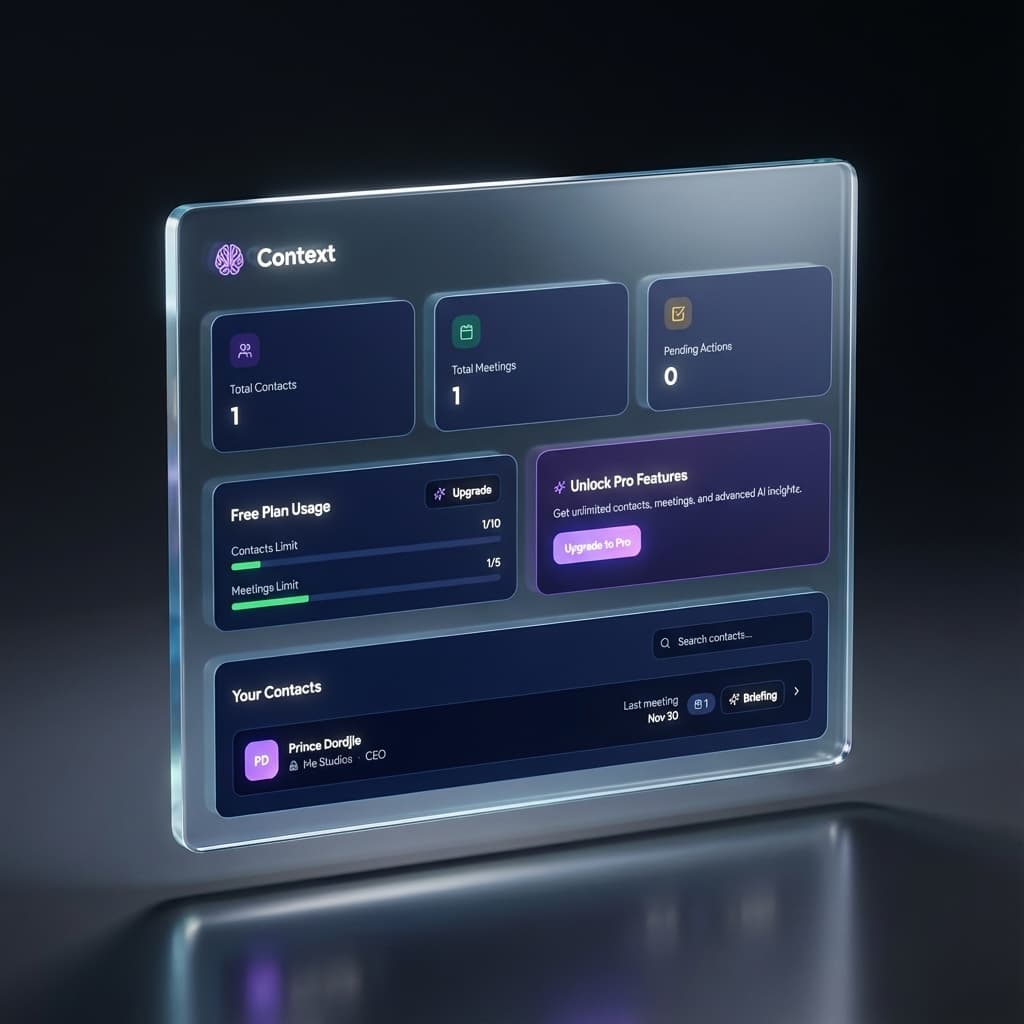
Context acts as your dedicated AI meeting companion, ensuring you never lose track of crucial conversation details. With intelligent pre-meeting briefings, it helps you effortlessly recall every interaction and fact about your contacts.

GitHub
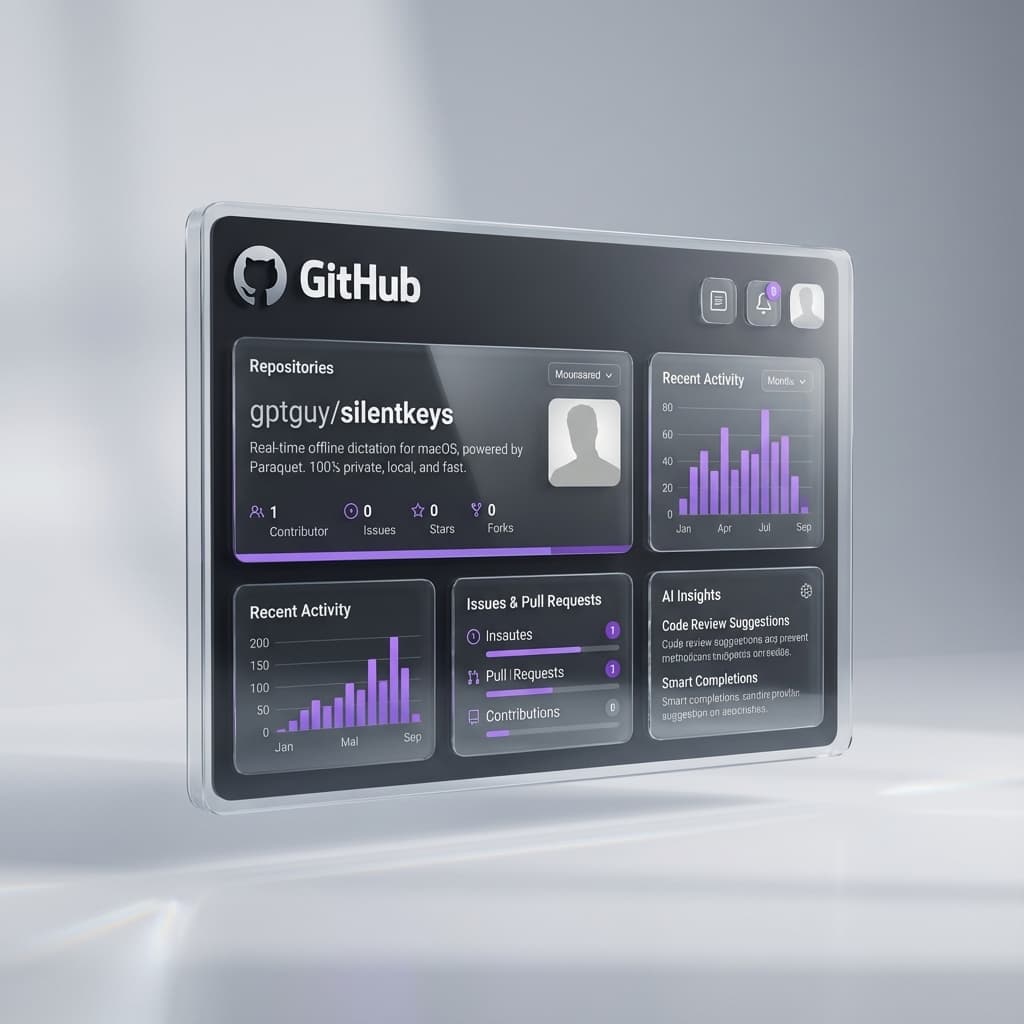
SilentKeys is a privacy-first, offline dictation tool for macOS that utilizes Parakeet models to transcribe voice to text directly on your device. Powered by a high-performance Rust engine, it delivers real-time accuracy without cloud dependency or data telemetry.