
Willow on Windows
Willow is a high-speed AI voice typing assistant that allows you to dictate text into any application on Windows, Mac, and iOS. It distinguishes itself by learning your unique voice and writing style over time to deliver personalized, accurate transcriptions.

About Willow on Windows
Transform Your Voice into Text with Willow on Windows
In a world where we spend countless hours typing hundreds of emails, Slack messages, and documentation, keyboard fatigue is a real productivity killer. Enter Willow, the advanced AI voice typing tool that is revolutionizing how we interact with our computers. Now fully compatible with Windows, alongside Mac and iOS, Willow empowers you to write at the speed of thought, anywhere your cursor lives.
Write Anywhere, Instantly
Willow is not a standalone note-taking app; it is a system-wide utility that integrates seamlessly into your existing workflow. Whether you are drafting a critical email in Gmail, chatting with your team on Slack, organizing thoughts in Notion, or even writing code prompts in Cursor, Willow is ready to listen. It removes the barrier between your ideas and your screen, allowing for a fluid, hands-free writing experience.
The Smartest Dictation Tool
Most dictation software struggles with context and specific jargon, often requiring frustrating manual edits. Willow changes the game with three core pillars:
- Speed & Accuracy: Utilizing state-of-the-art AI models, it captures speech faster and more accurately than traditional tools.
- Personalization: This is the only dictation tool that actually adapts to you. It learns your vocabulary, tone, and sentence structure over time, ensuring the output sounds like your natural writing.
- Cross-Platform: With the new Windows launch, your personalized voice profile travels with you across all your devices.
Stop letting your typing speed bottleneck your creativity. With Willow, you can reclaim your time and save your wrists, making it an essential tool for professionals, writers, and developers alike.
Tags
Similar Tools
View all items →

AOS Ai Marketplace
AOS Ai Marketplace offers a curated selection of vetted AI agents designed to instantly qualify leads and book meetings. Recover lost revenue and automate your inbound sales process with proven digital workers that deliver tangible results.
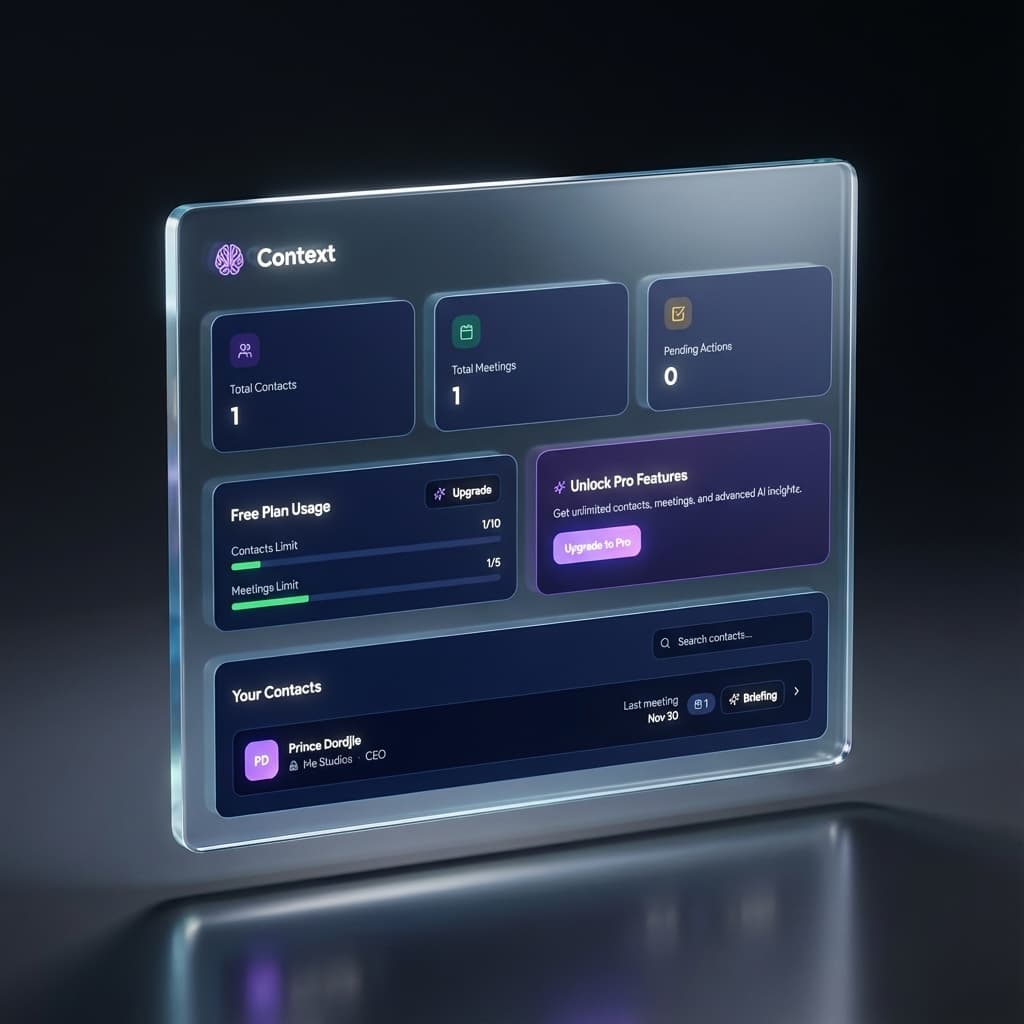

Context
Context acts as your dedicated AI meeting companion, ensuring you never lose track of crucial conversation details. With intelligent pre-meeting briefings, it helps you effortlessly recall every interaction and fact about your contacts.


GitHub
SilentKeys is a privacy-first, offline dictation tool for macOS that utilizes Parakeet models to transcribe voice to text directly on your device. Powered by a high-performance Rust engine, it delivers real-time accuracy without cloud dependency or data telemetry.